<!-- generated by build/make_effects_page.py: edit the words there, then rerun -->
# The effects

36 custom effects for the Zoom MultiStomp, plus Luca Matturro's 12 [below](#matujuice-pack). Each shows its screen on the pedal and, under it, its picture in the [MultiStomp Editor](https://themanro.github.io/ZoomMultistompZDL/tools/editor.html), which plays out what the effect does and redraws as you turn its knobs. Knob names are listed as the pedal shows them. Install them from the editor's **Effects Library**, or from [dist/](dist/) with Zoom Effect Manager.

Every effect ends with a **Mix** knob (dry/wet), except Dustbox (Power) and the live screens (they pass the sound through). Sound demos, desktop previews and build notes are in [CUSTOM_EFFECTS.md](CUSTOM_EFFECTS.md).

**Jump to:** [Delays and loopers](#delays-and-loopers) · [Reverbs](#reverbs) · [Pitch, modulation and texture](#pitch-modulation-and-texture) · [Drive and lo-fi](#drive-and-lo-fi) · [Filters, resonators and voices](#filters-resonators-and-voices) · [Live screens](#live-screens) · [Matujuice pack](#matujuice-pack)

## Delays and loopers

<table>
<tr>
<td width="300"><img src="graphics/spiral.png" width="300" alt="Spiral on the pedal's screen"><br><img src="graphics/fx/spiral.webp" width="300" alt="Spiral in the editor"></td>
<td>

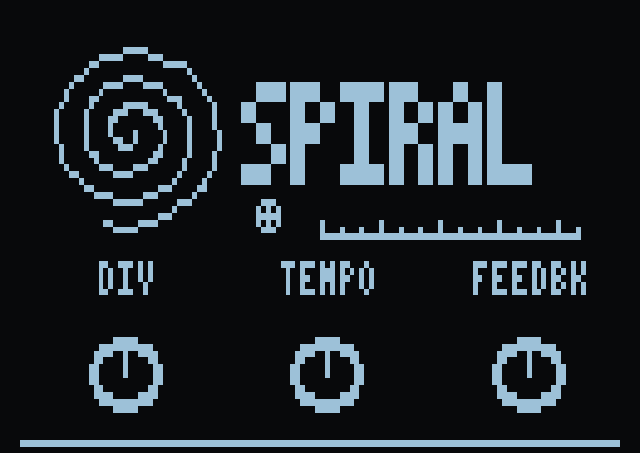
### Spiral

A tempo-locked delay whose repeats climb or sink in pitch, compounding with every repeat; Glide adds a rise that starts at each note.

<sub>Div, Tempo, Feedbk, Rise, Glide, Span, Tone, Mix</sub>

</td>
</tr>
<tr>
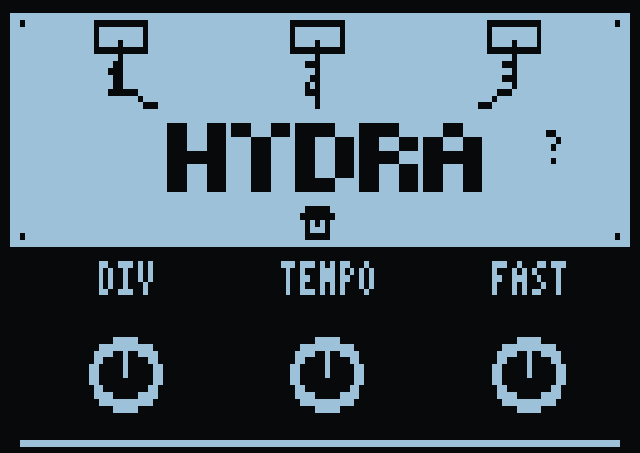
<td width="300"><img src="graphics/hydra.png" width="300" alt="Hydra on the pedal's screen"><br><img src="graphics/fx/hydra.webp" width="300" alt="Hydra in the editor"></td>
<td>

### Hydra

Two extra playheads on one delay: a double-time ghost an octave up and a half-time drag an octave down, locked to tempo. Built for drums.

<sub>Div, Tempo, Fast, Slow, Tone, Mix</sub>

</td>
</tr>
<tr>
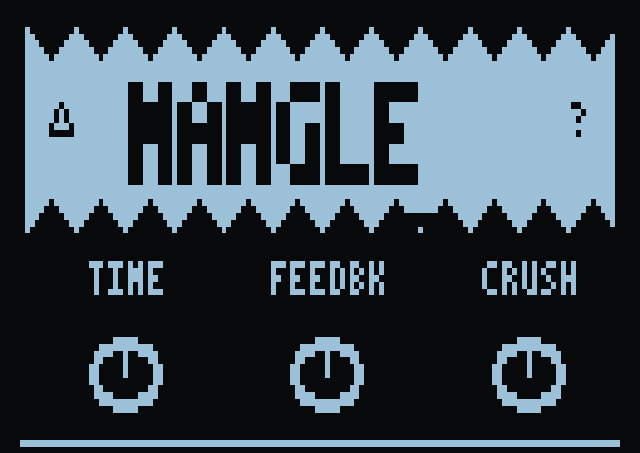
<td width="300"><img src="graphics/mangle.png" width="300" alt="Mangle on the pedal's screen"><br><img src="graphics/fx/mangle.webp" width="300" alt="Mangle in the editor"></td>
<td>

### Mangle

A delay with three blendable mutations on every repeat: crush, tremolo and an octave-down shimmer. All three at 0 is a clean delay.

<sub>Time, Feedbk, Crush, Tremolo, Pitch, Mix</sub>

</td>
</tr>
<tr>
<td width="300"><img src="graphics/spool.png" width="300" alt="Spool on the pedal's screen"><br><img src="graphics/fx/spool.webp" width="300" alt="Spool in the editor"></td>
<td>

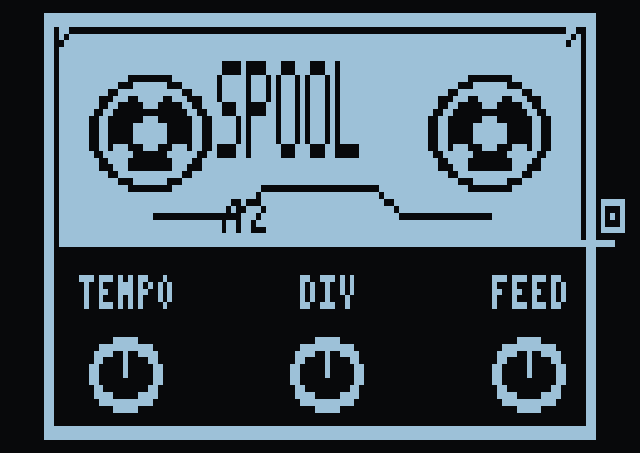
### Spool

A tempo-locked tape echo with flutter, wow, head wear, drive and a spring tail. Feed self-oscillates above about 90.

<sub>Tempo, Div, Feed, Flutter, Wow, Wear, Drive, Spring, Mix</sub>

</td>
</tr>
<tr>
<td width="300"><img src="graphics/dissolve.png" width="300" alt="Dissolve on the pedal's screen"><br><img src="graphics/fx/dissolve.webp" width="300" alt="Dissolve in the editor"></td>
<td>

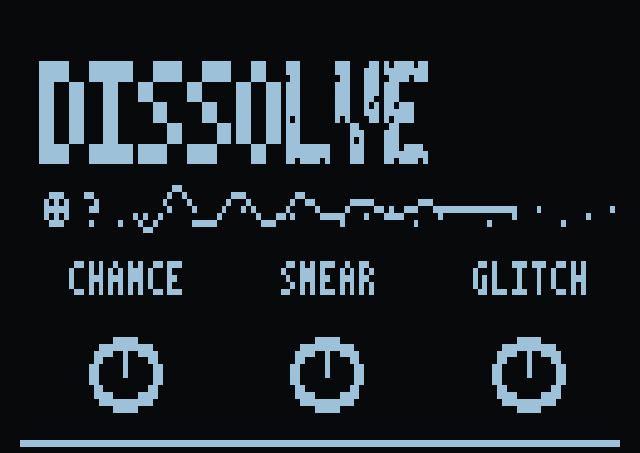
### Dissolve

A glitch delay after the OBNE Parting: chunks of what you play are dropped, smeared into a wash, reversed or dropped an octave.

<sub>Chance, Smear, Glitch, Mix</sub>

</td>
</tr>
<tr>
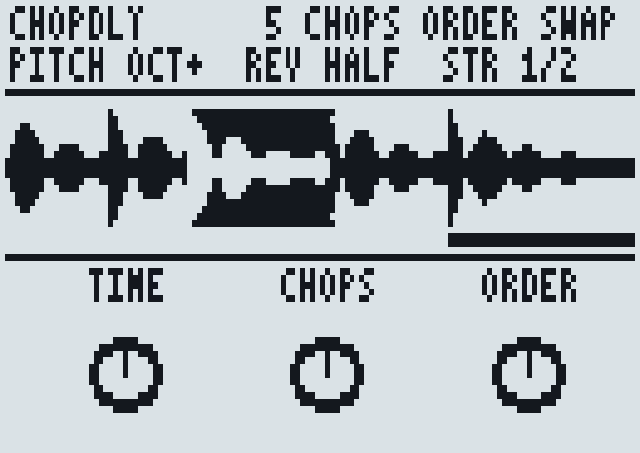
<td width="300"><img src="graphics/chopdly.png" width="300" alt="Chopdly on the pedal's screen"><br><img src="graphics/fx/chopdly.webp" width="300" alt="Chopdly in the editor"></td>
<td>

### [Chopdly](src/custom/chopdly/README.md)

A delay that chops what it recorded: every repeat replays the last cycle cut into 1-16 chops (or at your notes), rearranged, reversed, pitched and stretched, and the repeats get re-chopped.

<sub>Time, Chops, Order, Pitch, Reverse, Stretch, Glide, Feedbk, Mix</sub>

</td>
</tr>
<tr>
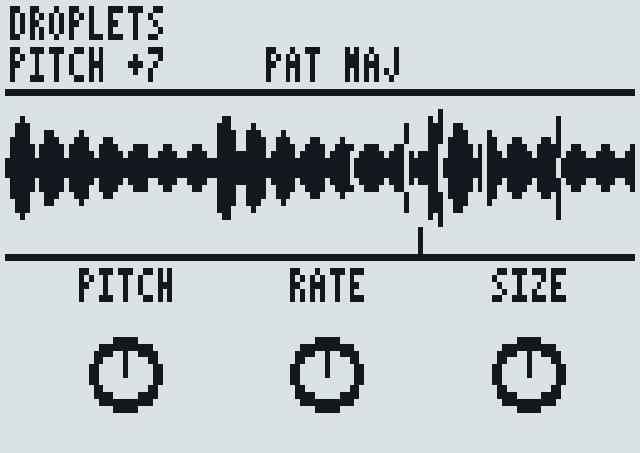
<td width="300"><img src="graphics/droplets.png" width="300" alt="Droplets on the pedal's screen"><br><img src="graphics/fx/droplets.webp" width="300" alt="Droplets in the editor"></td>
<td>

### [Droplets](src/custom/droplets/README.md)

A granular delay: short grains sprayed from the last 2.5 s, with pitch steps and patterns, scan, randomness and feedback. Feedback at 100 freezes the buffer.

<sub>Pitch, Rate, Size, Contour, Scan, Pattern, Random, Feedbk, Mix</sub>

</td>
</tr>
<tr>
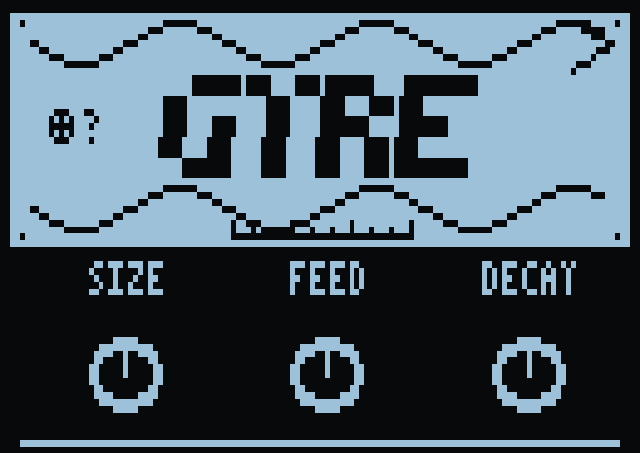
<td width="300"><img src="graphics/gyre.png" width="300" alt="Gyre on the pedal's screen"><br><img src="graphics/fx/gyre.webp" width="300" alt="Gyre in the editor"></td>
<td>

### Gyre

A loop you hold that keeps spiralling: two grains half a window apart make it unity-gain, so Decay at 0 holds for ever and Rise climbs or sinks it each pass.

<sub>Size, Feed, Decay, Rise, Glide, Span, Tone, Mix</sub>

</td>
</tr>
<tr>
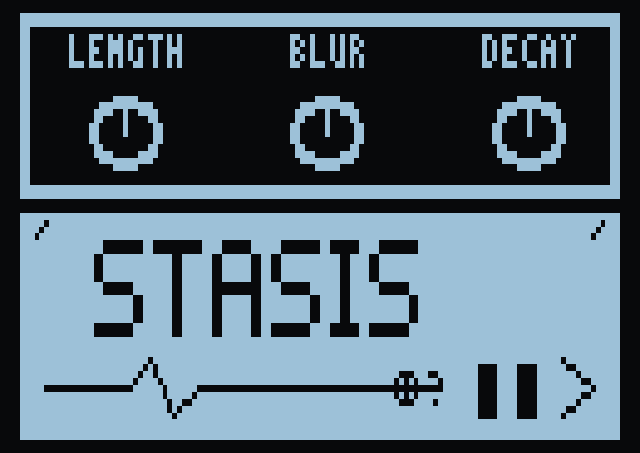
<td width="300"><img src="graphics/stasis.png" width="300" alt="Stasis on the pedal's screen"><br><img src="graphics/fx/stasis.webp" width="300" alt="Stasis in the editor"></td>
<td>

### Stasis

A footswitch freeze: the note you just played is held while you play over it.

<sub>Length, Blur, Decay, Tone, Mix, Capture</sub>

</td>
</tr>
<tr>
<td width="300"><img src="graphics/loop.png" width="300" alt="Loop on the pedal's screen"><br><img src="graphics/fx/loop.webp" width="300" alt="Loop in the editor"></td>
<td>

### [Loop](src/custom/loop/README.md)

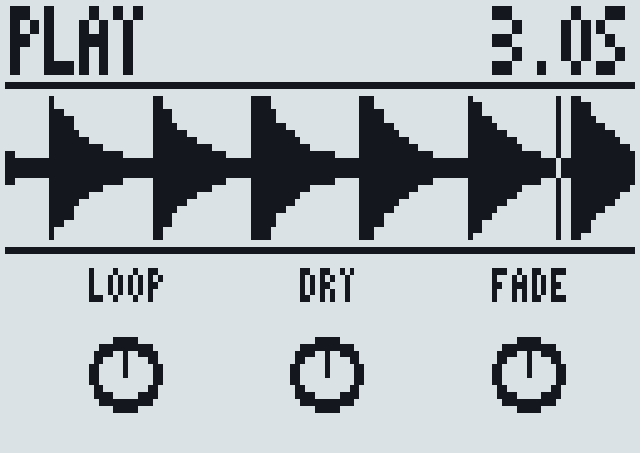
A looper on the footswitch: record, play, overdub, stop, clear, undo and redo, with tempo quantize and a click. About 5 s, or about 23 s in the experimental Long mode.

<sub>Loop, Dry, Fade, Undo, Long, Tempo, Beats, Click</sub>

</td>
</tr>
</table>

## Reverbs

<table>
<tr>
<td width="300"><img src="graphics/galactic.png" width="300" alt="Galactic on the pedal's screen"><br><img src="graphics/fx/galactic.webp" width="300" alt="Galactic in the editor"></td>
<td>

### Galactic

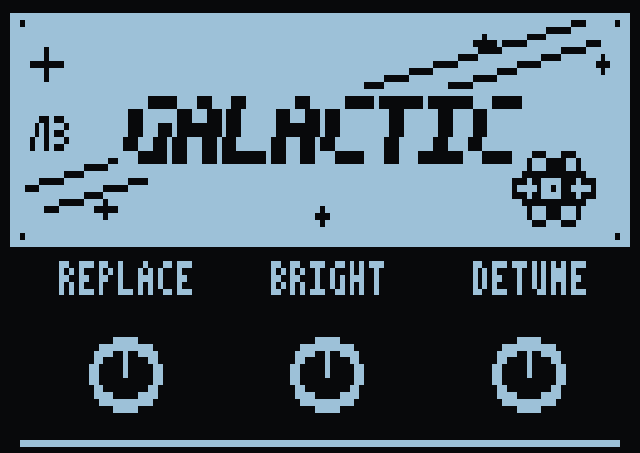
Airwindows' lush Galactic reverb, its wet path boosted for pedal levels.

<sub>Replace, Bright, Detune, Bigness, Mix</sub>

</td>
</tr>
<tr>
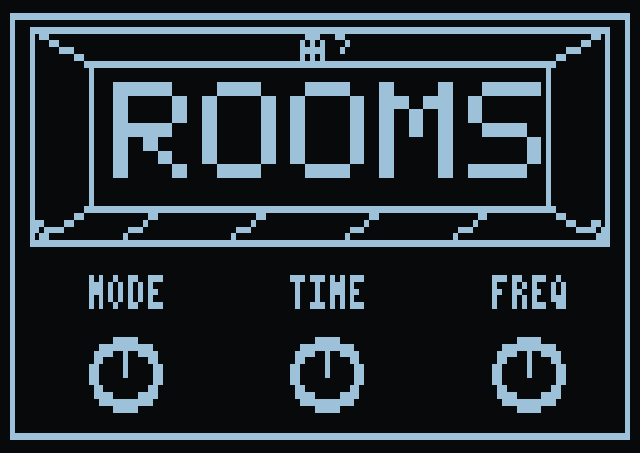
<td width="300"><img src="graphics/rooms.png" width="300" alt="Rooms on the pedal's screen"><br><img src="graphics/fx/rooms.webp" width="300" alt="Rooms in the editor"></td>
<td>

### Rooms

A multi-mode reverb after the DBA Rooms: Room, Digit, Peak, Gate, Wave and Gong, with Freq and Depth reused per mode.

<sub>Mode, Time, Freq, Depth, Mix</sub>

</td>
</tr>
<tr>
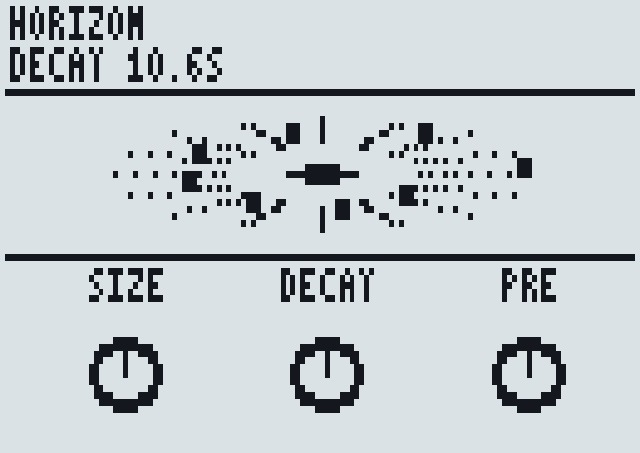
<td width="300"><img src="graphics/horizon.png" width="300" alt="Horizon on the pedal's screen"><br><img src="graphics/fx/horizon.webp" width="300" alt="Horizon in the editor"></td>
<td>

### [Horizon](src/custom/horizon/README.md)

A huge, spacey reverb: eight long, slowly moving lines, from a room to a cathedral, a minute-long tail and a hold, a swell that blooms each note in.

<sub>Size, Decay, Pre, Mod, Lo, Hi, Swell, Width, Mix</sub>

</td>
</tr>
<tr>
<td width="300"><img src="graphics/horizonl.png" width="300" alt="HorizonL on the pedal's screen"><br><img src="graphics/fx/horizonl.webp" width="300" alt="HorizonL in the editor"></td>
<td>

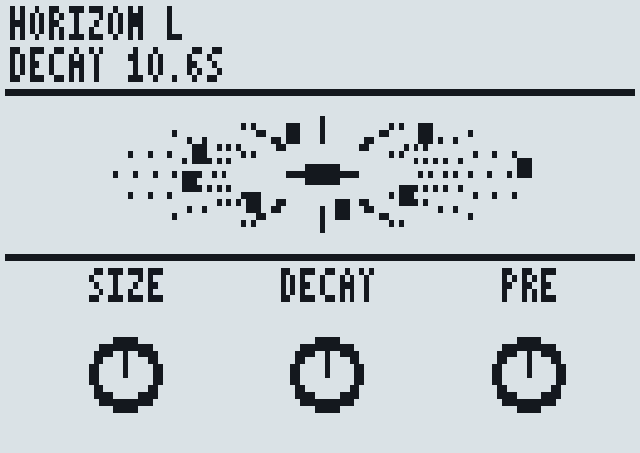
### [HorizonL](src/custom/horizonl/README.md)

Horizon at half the sample rate inside: the same space for about half the DSP, for chains where Horizon crackles. Hi tops out at 10 kHz.<br><em>Not yet tried on the pedal.</em>

<sub>Size, Decay, Pre, Mod, Lo, Hi, Swell, Width, Mix</sub>

</td>
</tr>
<tr>
<td width="300"><img src="graphics/cloud.png" width="300" alt="Cloud on the pedal's screen"><br><img src="graphics/fx/cloud.webp" width="300" alt="Cloud in the editor"></td>
<td>

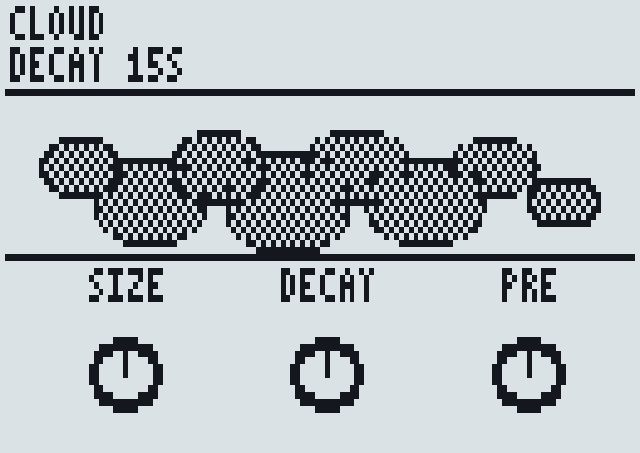
### [Cloud](src/custom/cloud/README.md)

A dense, diffuse ambient reverb: notes bloom into a wash with no attack left, the tail turns to fog instead of echoes. Diff sets the smear; Tone and Lo shape how long the highs and lows last without shortening the tail.<br><em>Not yet tried on the pedal.</em>

<sub>Size, Decay, Pre, Diff, Mod, Tone, Lo, Swell, Mix</sub>

</td>
</tr>
</table>

## Pitch, modulation and texture

<table>
<tr>
<td width="300"><img src="graphics/microlm.png" width="300" alt="Microlm on the pedal's screen"><br><img src="graphics/fx/microlm.webp" width="300" alt="Microlm in the editor"></td>
<td>

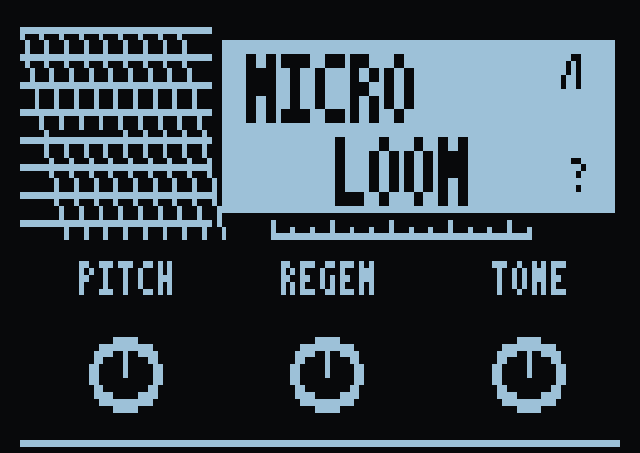
### Microlm

Microloom: a granular shimmer cloud. Grains are pitched and fed back, so it builds rather than repeats.

<sub>Pitch, Regen, Tone, Mix</sub>

</td>
</tr>
<tr>
<td width="300"><img src="graphics/arrakis.png" width="300" alt="Arrakis on the pedal's screen"><br><img src="graphics/fx/arrakis.webp" width="300" alt="Arrakis in the editor"></td>
<td>

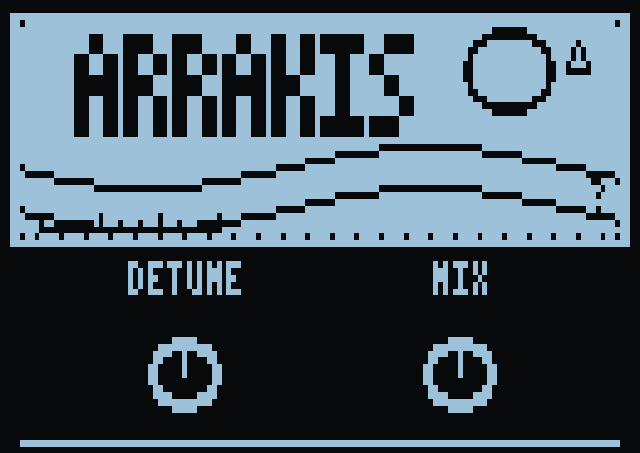
### Arrakis

A Dune-style detuned sub-octave drone: two subs beating against each other.

<sub>Detune, Mix</sub>

</td>
</tr>
<tr>
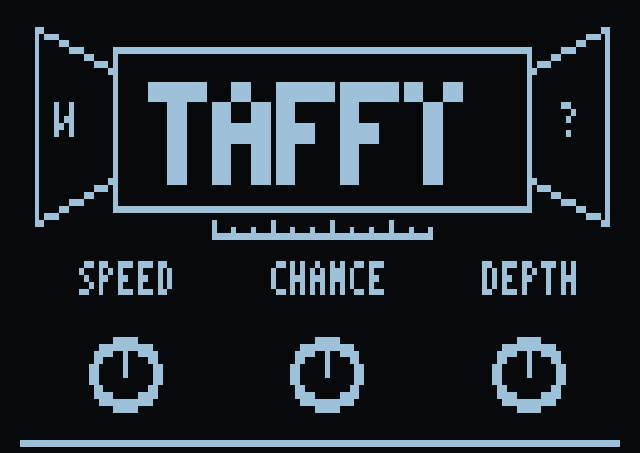
<td width="300"><img src="graphics/taffy.png" width="300" alt="Taffy on the pedal's screen"><br><img src="graphics/fx/taffy.webp" width="300" alt="Taffy in the editor"></td>
<td>

### Taffy

A tape warp after the Red Panda Tensor: reverse, stop, double speed and random slips.

<sub>Speed, Chance, Depth, Glide, Mix</sub>

</td>
</tr>
<tr>
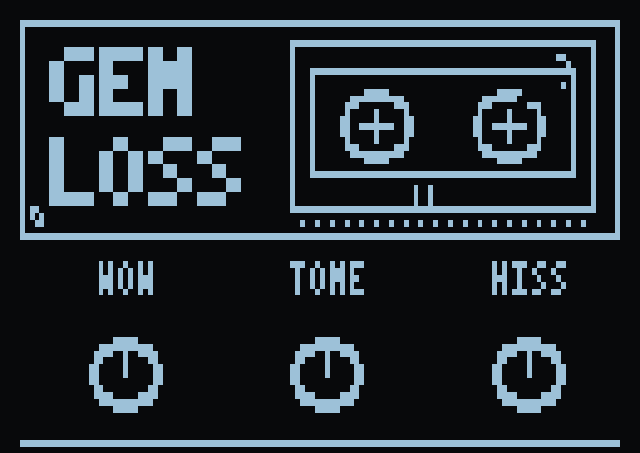
<td width="300"><img src="graphics/genloss.png" width="300" alt="GenLoss on the pedal's screen"><br><img src="graphics/fx/genloss.webp" width="300" alt="GenLoss in the editor"></td>
<td>

### GenLoss

Tape and VHS generation loss: wow, a head-bump tone shift and hiss.

<sub>Wow, Tone, Hiss, Mix</sub>

</td>
</tr>
<tr>
<td width="300"><img src="graphics/shatter.png" width="300" alt="Shatter on the pedal's screen"><br><img src="graphics/fx/shatter.webp" width="300" alt="Shatter in the editor"></td>
<td>

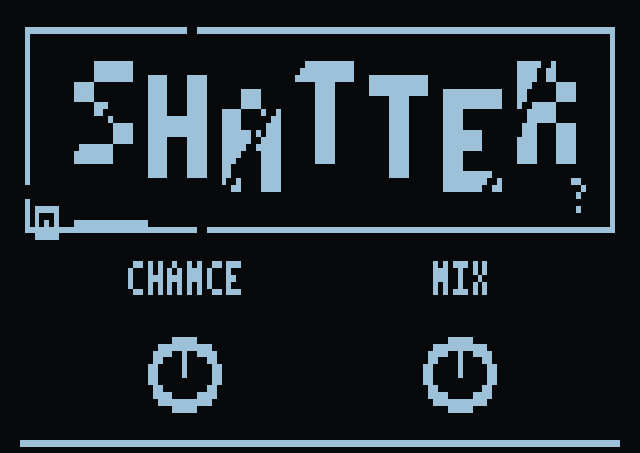
### Shatter

A stutter and beat-repeat glitch for drums.

<sub>Chance, Mix</sub>

</td>
</tr>
</table>

## Drive and lo-fi

<table>
<tr>
<td width="300"><img src="graphics/scorch.png" width="300" alt="Scorch on the pedal's screen"><br><img src="graphics/fx/scorch.webp" width="300" alt="Scorch in the editor"></td>
<td>

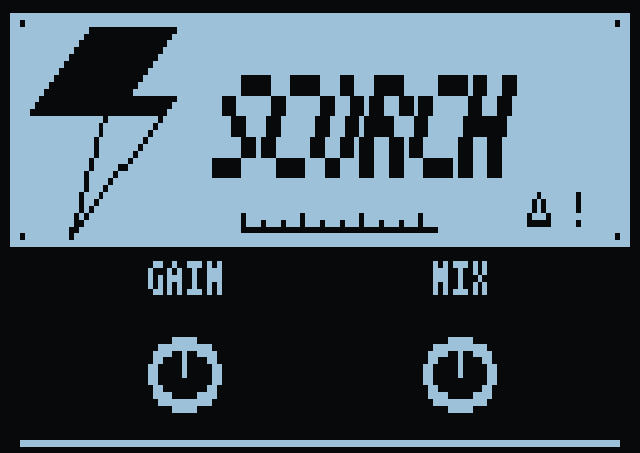
### Scorch

An aggressive high-gain amp with a cab-style filter.

<sub>Gain, Mix</sub>

</td>
</tr>
<tr>
<td width="300"><img src="graphics/dustbox.png" width="300" alt="Dustbox on the pedal's screen"><br><img src="graphics/fx/dustbox.webp" width="300" alt="Dustbox in the editor"></td>
<td>

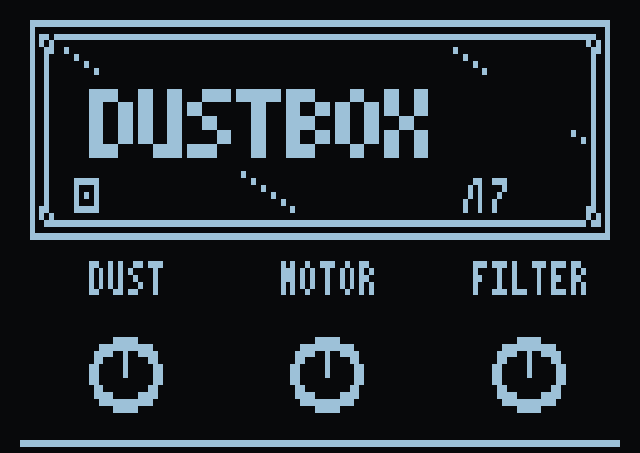
### Dustbox

A Buzz Box-style fuzz with a flip-flop sub-octave. Contributed by Marcelo Fuentes (MIT).

<sub>Dust, Motor, Filter, Power</sub>

</td>
</tr>
<tr>
<td width="300"><img src="graphics/corrupt.png" width="300" alt="Corrupt on the pedal's screen"><br><img src="graphics/fx/corrupt.webp" width="300" alt="Corrupt in the editor"></td>
<td>

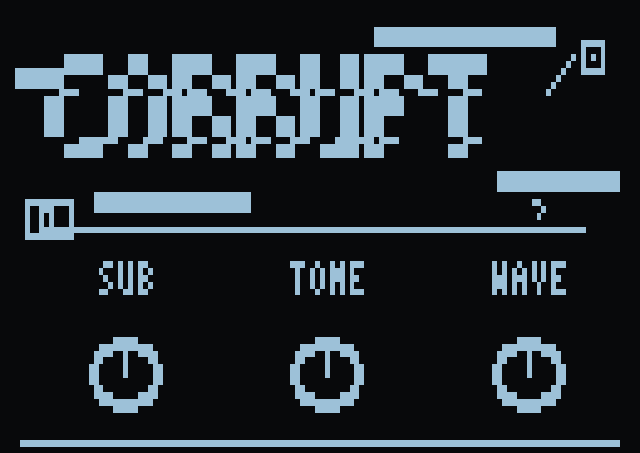
### Corrupt

A Data Corrupter-style square synth: the note you play, a tracked sub and a divided harmony.

<sub>Sub, Tone, Wave, Mix</sub>

</td>
</tr>
<tr>
<td width="300"><img src="graphics/oxide.png" width="300" alt="Oxide on the pedal's screen"><br><img src="graphics/fx/oxide.webp" width="300" alt="Oxide in the editor"></td>
<td>

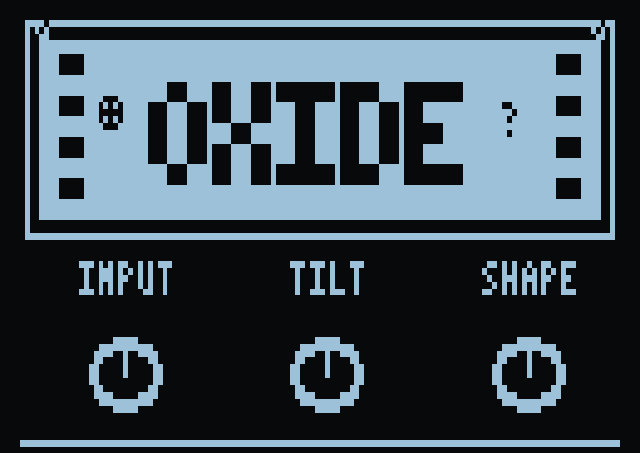
### Oxide

Airwindows ToTape9: tape saturation with Dolby-style tilt, bias, flutter and head bump.

<sub>Input, Tilt, Shape, Flutter, FlutSpd, Bias, HeadBmp, Output, Mix</sub>

</td>
</tr>
<tr>
<td width="300"><img src="graphics/deform.png" width="300" alt="Deform on the pedal's screen"><br><img src="graphics/fx/deform.webp" width="300" alt="Deform in the editor"></td>
<td>

### [Deform](src/custom/deform/README.md)

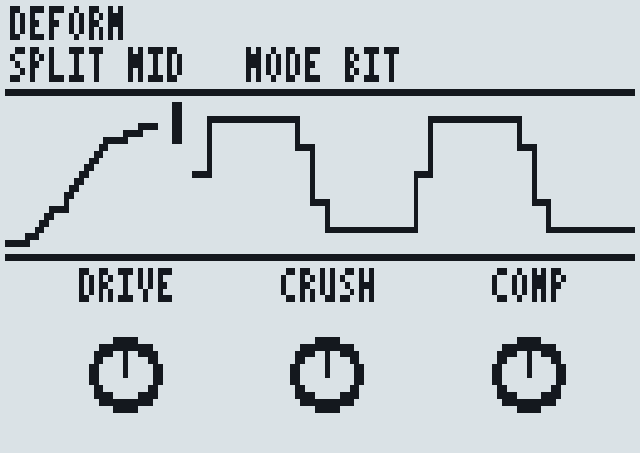
Drive, crush and compression in one, after the Torso S-4: two-band drive, a soft crush and a one-knob compressor, with noise that follows your playing.

<sub>Drive, Crush, Comp, Tilt, Split, Mode, Noise, Decay, Mix</sub>

</td>
</tr>
<tr>
<td width="300"><img src="graphics/rewire.png" width="300" alt="Rewire on the pedal's screen"><br><img src="graphics/fx/rewire.webp" width="300" alt="Rewire in the editor"></td>
<td>

### Rewire

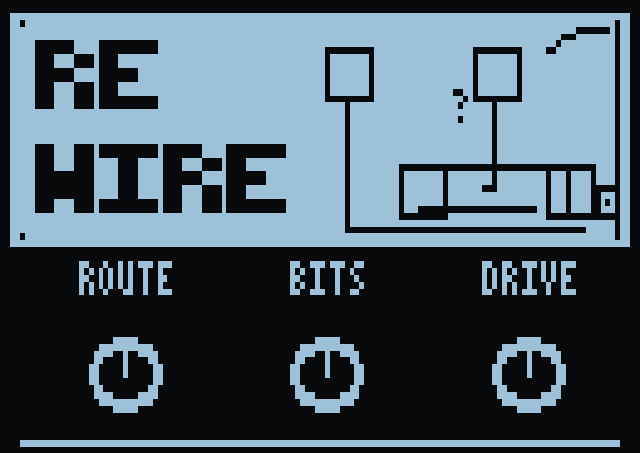
Five lo-fi blocks (crush, drive, ring mod, comb, frequency shift) in a chain you can reorder.

<sub>Route, Bits, Drive, Ring, Comb, Shift, Tone, Mix</sub>

</td>
</tr>
<tr>
<td width="300"><img src="graphics/tonic.png" width="300" alt="Tonic on the pedal's screen"><br><img src="graphics/fx/tonic.webp" width="300" alt="Tonic in the editor"></td>
<td>

### [Tonic](src/custom/tonic/README.md)

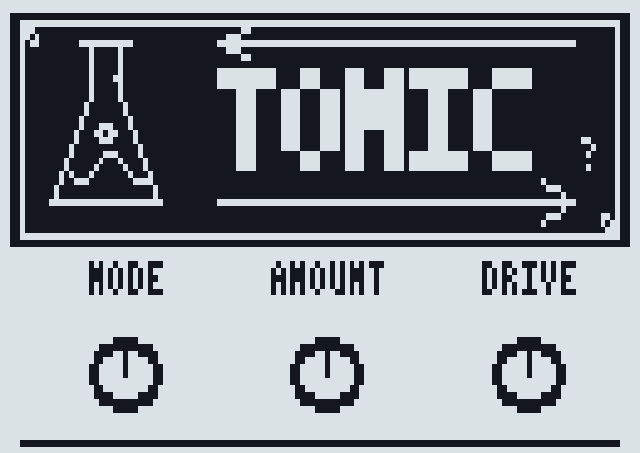
A Bitters-inspired multi-effect: drive, a phaser and one of decimate, crush, FM or ring mod, in either order.<br><em>Experimental: not yet tried on the pedal.</em>

<sub>Mode, Amount, Drive, Phase, Order, Mix</sub>

</td>
</tr>
</table>

## Filters, resonators and voices

<table>
<tr>
<td width="300"><img src="graphics/flower.png" width="300" alt="Flower on the pedal's screen"><br><img src="graphics/fx/flower.webp" width="300" alt="Flower in the editor"></td>
<td>

### Flower

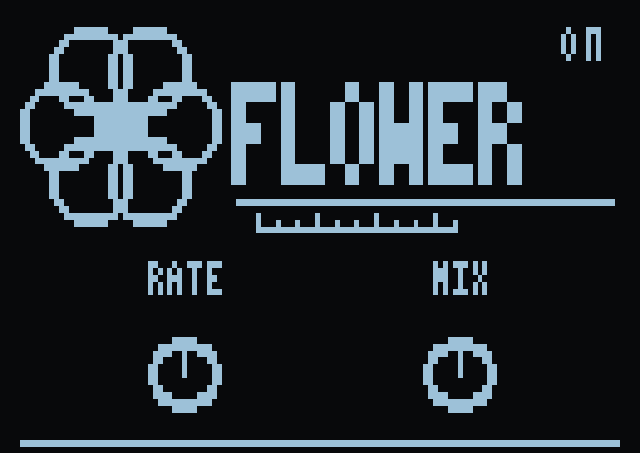
A Korg-style random sample-and-hold step filter: the "Digital Bath" sound.

<sub>Rate, Mix</sub>

</td>
</tr>
<tr>
<td width="300"><img src="graphics/klang.png" width="300" alt="Klang on the pedal's screen"><br><img src="graphics/fx/klang.webp" width="300" alt="Klang in the editor"></td>
<td>

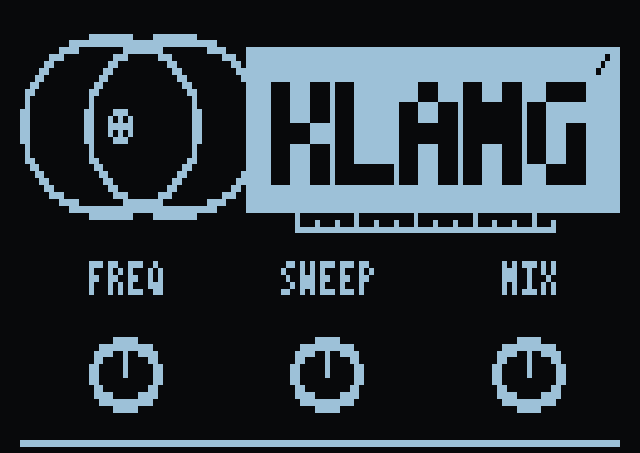
### Klang

A swept-carrier ring modulator: sirens, dive bombs and clanging metal.

<sub>Freq, Sweep, Mix</sub>

</td>
</tr>
<tr>
<td width="300"><img src="graphics/howl.png" width="300" alt="Howl on the pedal's screen"><br><img src="graphics/fx/howl.webp" width="300" alt="Howl in the editor"></td>
<td>

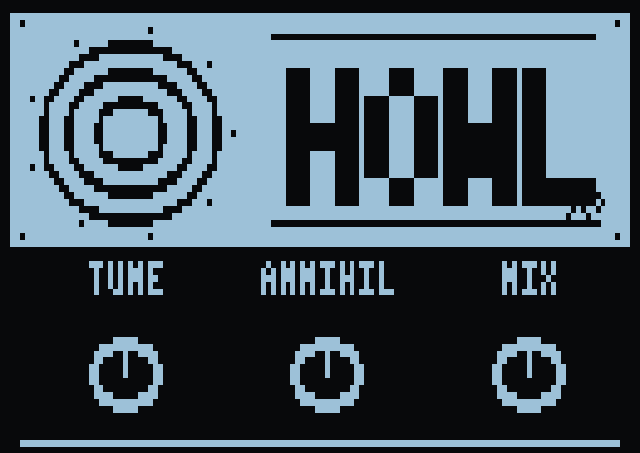
### Howl

A Total Sonic Annihilation-style feedback loop that self-oscillates on demand.

<sub>Tune, Annihil, Mix</sub>

</td>
</tr>
<tr>
<td width="300"><img src="graphics/carillon.png" width="300" alt="Carillon on the pedal's screen"><br><img src="graphics/fx/carillon.webp" width="300" alt="Carillon in the editor"></td>
<td>

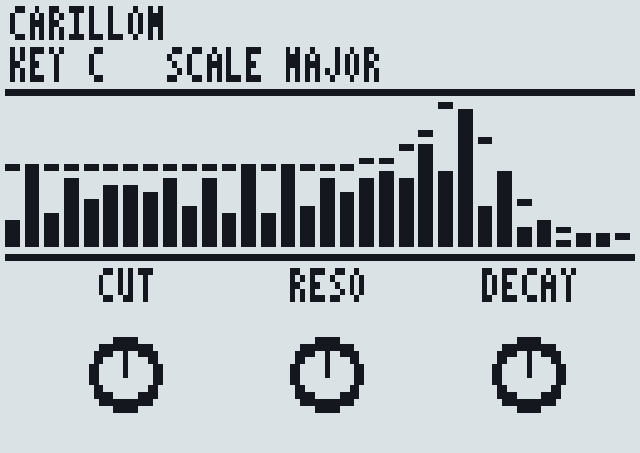
### [Carillon](src/custom/carillon/README.md)

A resonant filter bank: 32 narrow filters from C2 to C8, snapped to a key and scale. A filter at low Decay, ringing bells turned up.

<sub>Cutoff, Reso, Decay, Key, Scale, Slope, Waves, Noise, Mix</sub>

</td>
</tr>
<tr>
<td width="300"><img src="graphics/chimera.png" width="300" alt="Chimera on the pedal's screen"><br><img src="graphics/fx/chimera.webp" width="300" alt="Chimera in the editor"></td>
<td>

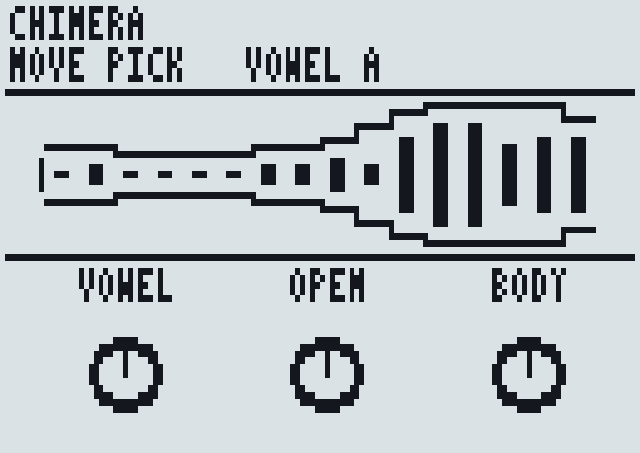
### [Chimera](src/custom/chimera/README.md)

Your guitar as the voice of a simulated throat and mouth, like a talkbox: vowels, jaw, body size, nose, and a mouth that can follow your notes or babble.

<sub>Vowel, Open, Body, Nasal, Talk, Move, Buzz, Breath, Mix</sub>

</td>
</tr>
</table>

## Live screens

<table>
<tr>
<td width="300"><img src="graphics/scope.png" width="300" alt="Scope on the pedal's screen"><br><img src="graphics/fx/scope.webp" width="300" alt="Scope in the editor"></td>
<td>

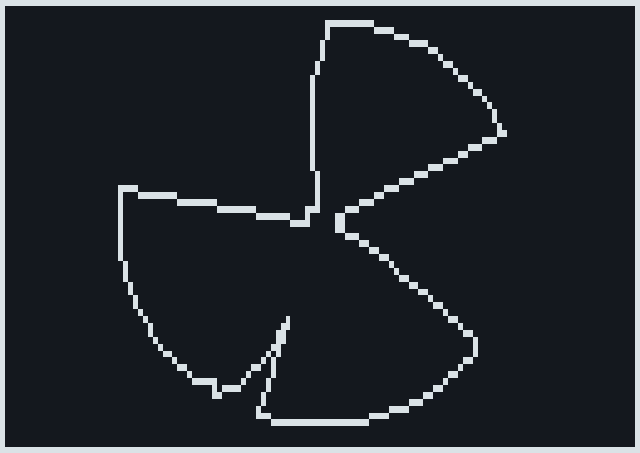
### Scope

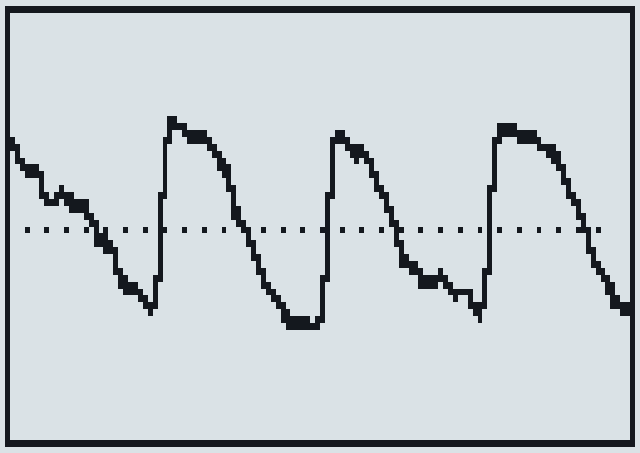
A live oscilloscope of your signal, full screen: waveform or XY. Passes the sound through.

<sub>Time, Gain, Mode</sub>

</td>
</tr>
<tr>
<td width="300"><img src="graphics/spectrum.png" width="300" alt="Spectrum on the pedal's screen"><br><img src="graphics/fx/spectrum.webp" width="300" alt="Spectrum in the editor"></td>
<td>

### Spectrum

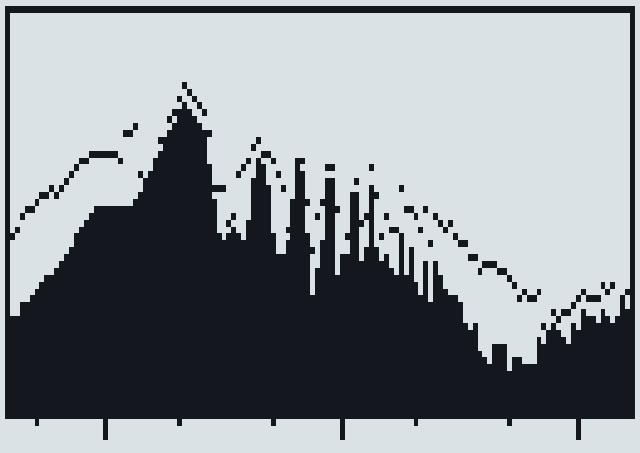
A live spectrum analyser, 40 Hz to 16 kHz, with peak hold. Passes the sound through.

<sub>Range, Fall, Tilt</sub>

</td>
</tr>
<tr>
<td width="300"><img src="graphics/ring.png" width="300" alt="Ring on the pedal's screen"><br><img src="graphics/fx/ring.webp" width="300" alt="Ring in the editor"></td>
<td>

### Ring

A spinning ring that follows your signal, full screen. Passes the sound through.

<sub>Time, Size, Spin</sub>

</td>
</tr>
<tr>
<td width="300"><img src="graphics/skull.png" width="300" alt="Skull on the pedal's screen"><br><img src="graphics/fx/skull.webp" width="300" alt="Skull in the editor"></td>
<td>

### Skull

A shaded 3D skull that reacts to your playing: the jaw opens, the eyes light, it jolts on attacks and explodes at the loudest. Passes the sound through.

<sub>Sense, Decay, Shake, Boom</sub>

</td>
</tr>
</table>

## Matujuice pack

Twelve effects by **Luca Matturro** ([matujuice](https://github.com/matujuice)), built on this project's toolchain and included unmodified under his MIT licence: [zoom-ms-zdl-effects-pack](https://github.com/matujuice/zoom-ms-zdl-effects-pack) v1.5, whose Tempo knobs run on stock firmware (later releases take their tempo from [MIDISTOMP](https://github.com/matujuice/zoom-ms-midistomp)). Made for synths and drum machines as much as guitar. The pedal screens are his artwork; his full guide and licence are in [dist/matujuice/](dist/matujuice/README.md). Their IDs are 480 and 485-496.
<table>
<tr>
<td width="300"><img src="graphics/wavefold.png" width="300" alt="WaveFold on the pedal's screen"><br><img src="graphics/fx/wavefold.webp" width="300" alt="WaveFold in the editor"></td>
<td>

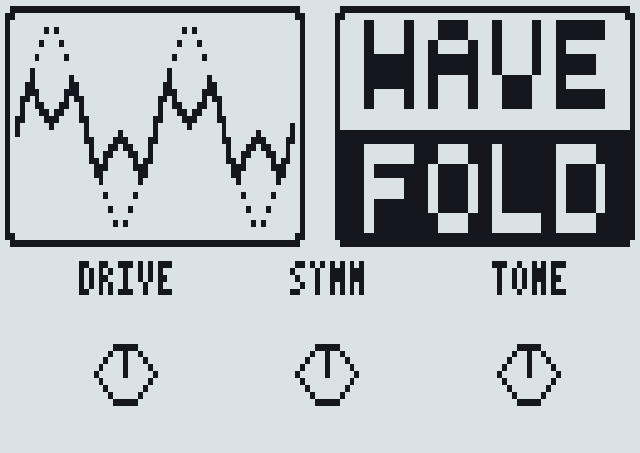
### WaveFold

A wavefolder on a Buchla 259 fold curve.

<sub>Drive, Symm, Tone, Level, Mix</sub>

</td>
</tr>
<tr>
<td width="300"><img src="graphics/dualshft.png" width="300" alt="DualShft on the pedal's screen"><br><img src="graphics/fx/dualshft.webp" width="300" alt="DualShft in the editor"></td>
<td>

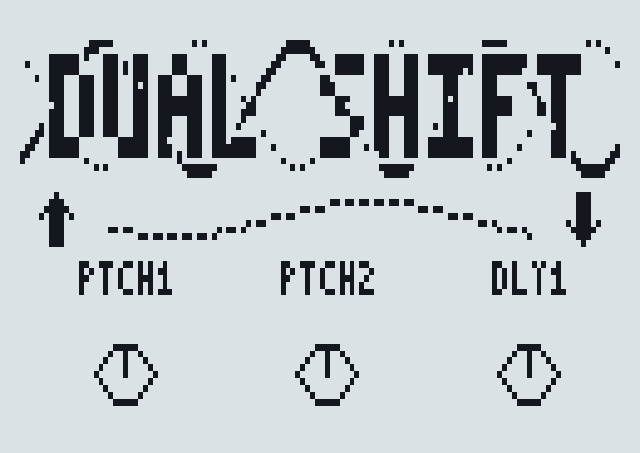
### DualShft

A tempo-synced dual pitch shifter: two voices, each with its own echo time, bent apart by one LFO.

<sub>Ptch1, Ptch2, Dly1, Dly2, Div, Depth, Shape, Tempo, Mix</sub>

</td>
</tr>
<tr>
<td width="300"><img src="graphics/choral.png" width="300" alt="Choral on the pedal's screen"><br><img src="graphics/fx/choral.webp" width="300" alt="Choral in the editor"></td>
<td>

### Choral

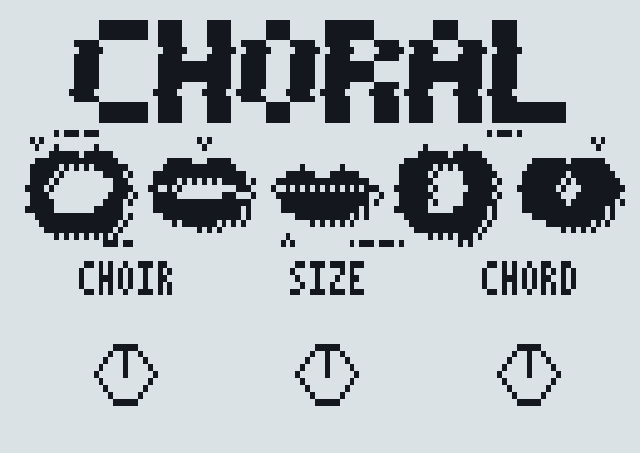
A choir that sings the note your synth plays: sections, sizes, chords and vowels.

<sub>Choir, Size, Chord, Sing, Pace, Feel, Glide, Tempo, Mix</sub>

</td>
</tr>
<tr>
<td width="300"><img src="graphics/eugate.png" width="300" alt="EuGate on the pedal's screen"><br><img src="graphics/fx/eugate.webp" width="300" alt="EuGate in the editor"></td>
<td>

### EuGate

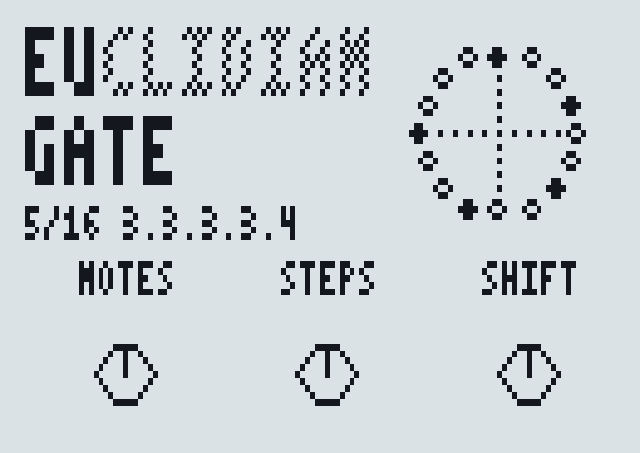
A Euclidean rhythm gate.

<sub>Notes, Steps, Shift, Swing, Reset, Gap, Soft, Tempo, Mix</sub>

</td>
</tr>
<tr>
<td width="300"><img src="graphics/dubsiren.png" width="300" alt="DubSiren on the pedal's screen"><br><img src="graphics/fx/dubsiren.webp" width="300" alt="DubSiren in the editor"></td>
<td>

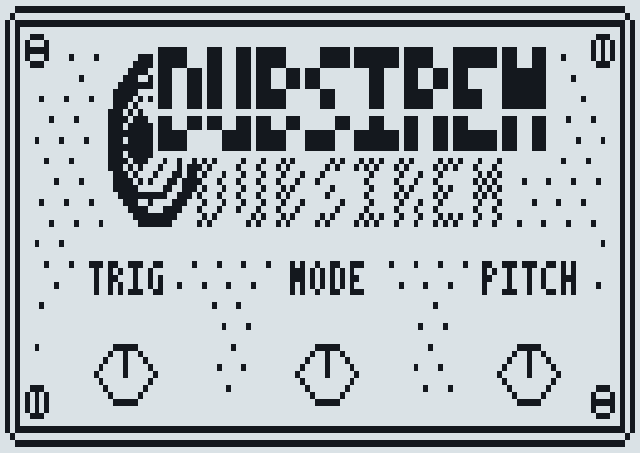
### DubSiren

A dub siren with its own tape echo, played from the footswitch.

<sub>Trig, Mode, Pitch, Rate, Depth, Vol, Time, Tempo, Fdbk</sub>

</td>
</tr>
<tr>
<td width="300"><img src="graphics/sgnl.png" width="300" alt="SGNL on the pedal's screen"><br><img src="graphics/fx/sgnl.webp" width="300" alt="SGNL in the editor"></td>
<td>

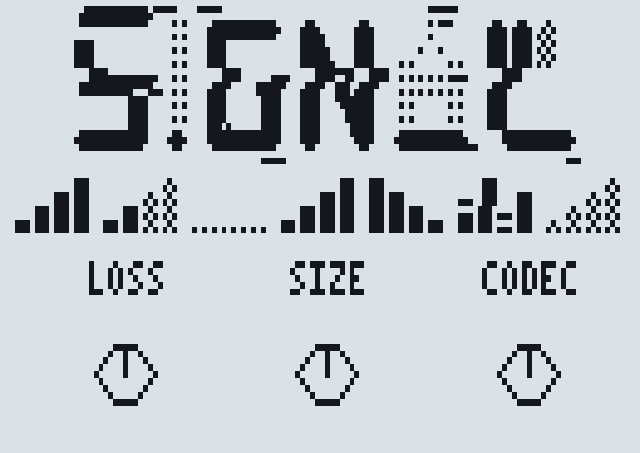
### SGNL

S.GN_L, a broken digital line: lost packets, dropouts and codec damage.

<sub>Loss, Size, Codec, Fill, Burst, Jump, Line, Edge, Mix</sub>

</td>
</tr>
<tr>
<td width="300"><img src="graphics/scrub.png" width="300" alt="Scrub on the pedal's screen"><br><img src="graphics/fx/scrub.webp" width="300" alt="Scrub in the editor"></td>
<td>

### Scrub

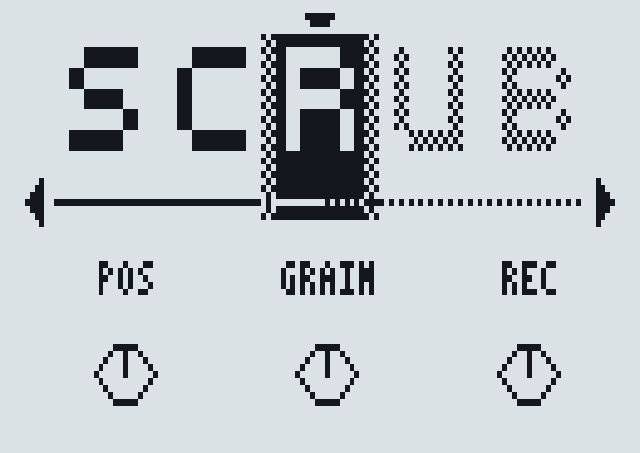
Scrub through the last seconds and freeze where you stop.

<sub>Pos, Grain, Rec, Glide, Dir, Spray, Mix, Tempo</sub>

</td>
</tr>
<tr>
<td width="300"><img src="graphics/griddly.png" width="300" alt="GridDly on the pedal's screen"><br><img src="graphics/fx/griddly.webp" width="300" alt="GridDly in the editor"></td>
<td>

### GridDly

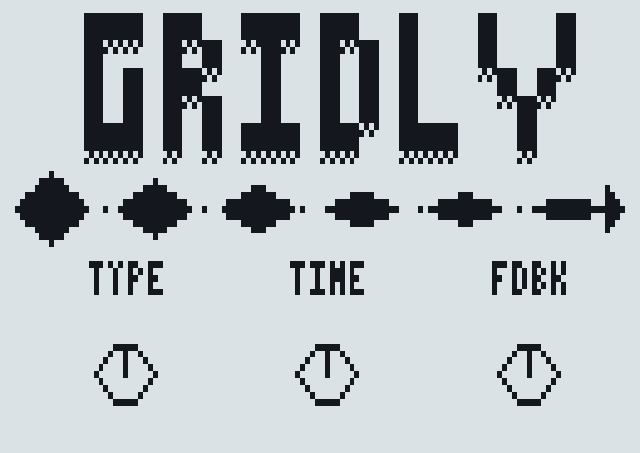
One tempo-synced delay with six engines.

<sub>Type, Time, Fdbk, Tone, Char, Duck, Mix, Tempo, Tail</sub>

</td>
</tr>
<tr>
<td width="300"><img src="graphics/synceq.png" width="300" alt="SyncEQ on the pedal's screen"><br><img src="graphics/fx/synceq.webp" width="300" alt="SyncEQ in the editor"></td>
<td>

### SyncEQ

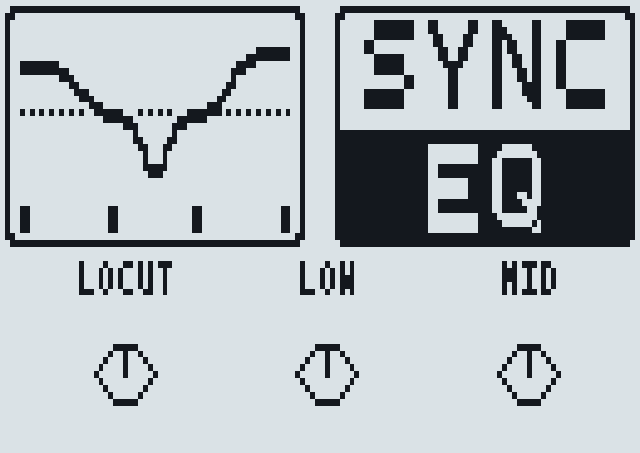
An EQ that passes the bar sync on to the effects after it.

<sub>LoCut, Low, Mid, MidF, High, HiCut, Drive, Tempo, Level</sub>

</td>
</tr>
<tr>
<td width="300"><img src="graphics/breather.png" width="300" alt="Breather on the pedal's screen"><br><img src="graphics/fx/breather.webp" width="300" alt="Breather in the editor"></td>
<td>

### Breather

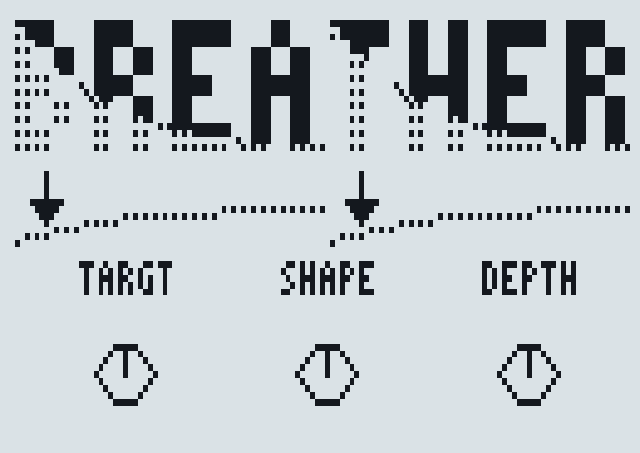
A tempo-synced pump with a reverb.

<sub>Targt, Shape, Depth, Div, Shift, Curve, Verb, Tempo, Size</sub>

</td>
</tr>
<tr>
<td width="300"><img src="graphics/dirtbox.png" width="300" alt="DirtBox on the pedal's screen"><br><img src="graphics/fx/dirtbox.webp" width="300" alt="DirtBox in the editor"></td>
<td>

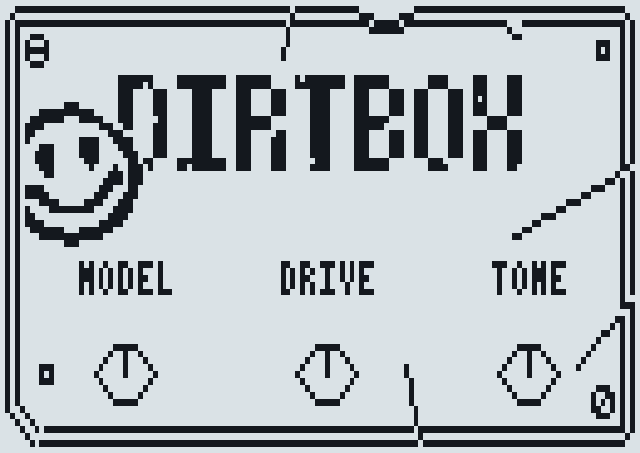
### DirtBox

A distortion box for acid lines: seven classic pedal models, EQ and a noise reducer.

<sub>Model, Drive, Tone, Low, Mid, High, ZNR, Level, Mix</sub>

</td>
</tr>
<tr>
<td width="300"><img src="graphics/sweep.png" width="300" alt="Sweep on the pedal's screen"><br><img src="graphics/fx/sweep.webp" width="300" alt="Sweep in the editor"></td>
<td>

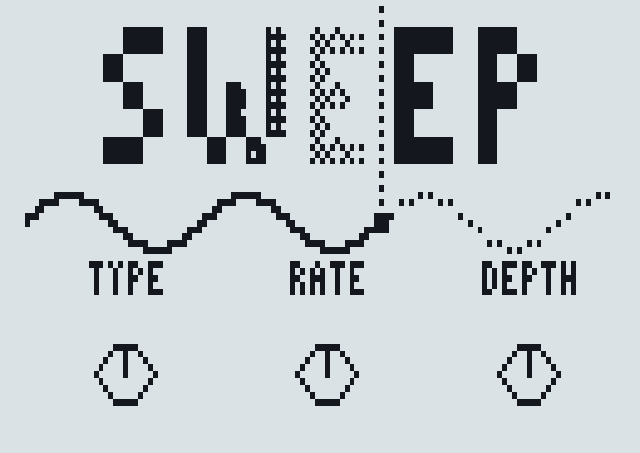
### Sweep

A phaser, flanger and filter in one, on a tempo-locked LFO.

<sub>Type, Rate, Depth, Cntr, Reso, Shape, Tone, Tempo, Mix</sub>

</td>
</tr>
</table>